BetaFree for you and your friends

Your friends. Your voice.
Your space.

Synergy is a free app to call, chat and hang out with your people, with screen sharing, cozy 3D rooms and cute characters built in.

Version 0.1.149 · Windows, Android, iPhone and iPad

What's inside

Made for hanging out.

Real screens from the app, not mock-ups.

Call, video and share your screen

Crisp voice and video with one-click screen sharing, from a quick call to the whole crew.
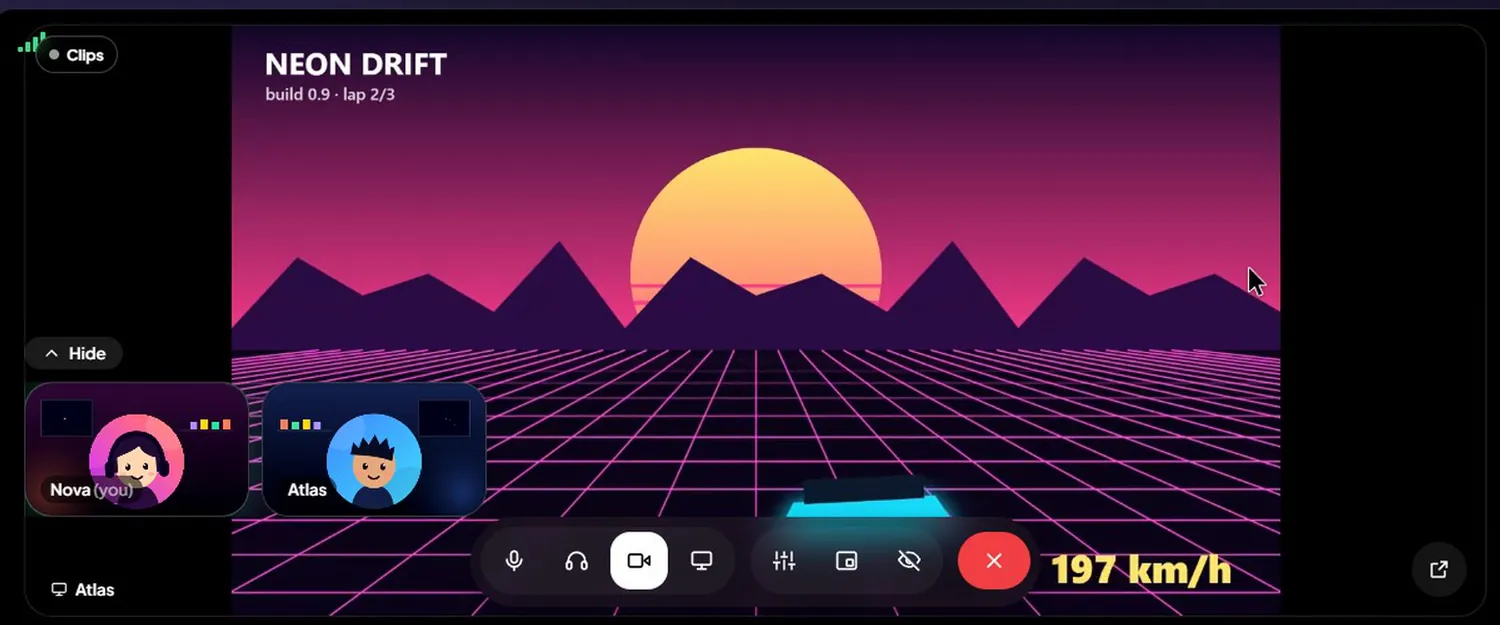
A video call with two friends while one shares a racing game

Chat that feels alive

Stickers, GIFs, voice notes, polls and replies.
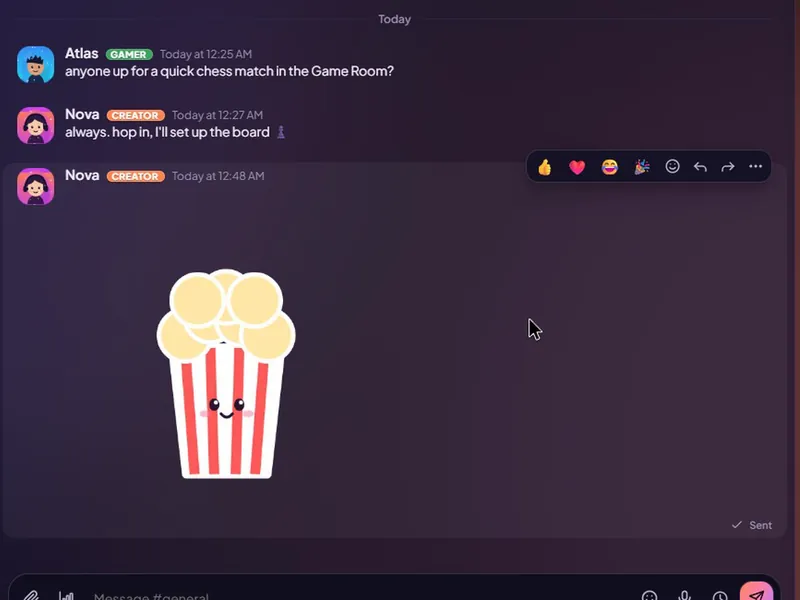
A group chat with a smiling popcorn sticker

Cozy 3D rooms Windows

Step into the Lounge, gather at the campfire or play at the table.
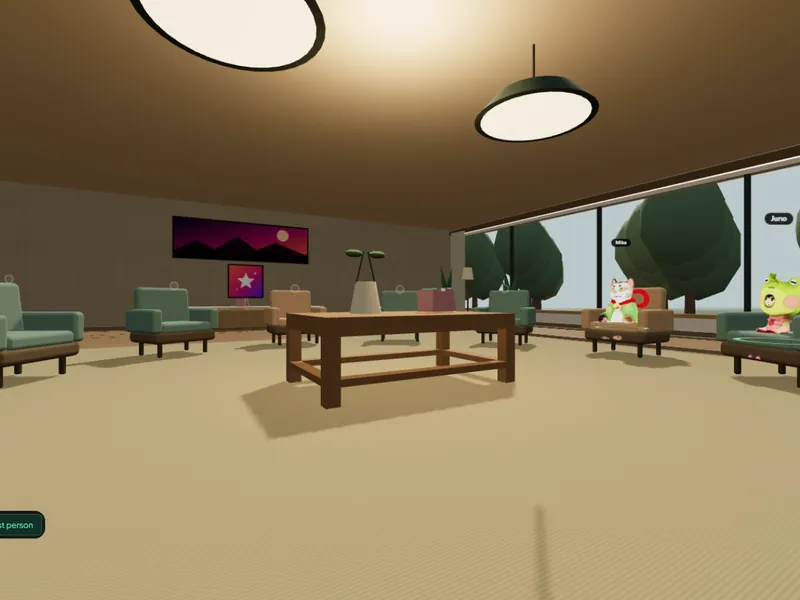
The 3D Lounge with sofas, a coffee table and two characters

Be anyone you like

A fox, a frog, a lucky cat. Pick a 3D character and make it dance.
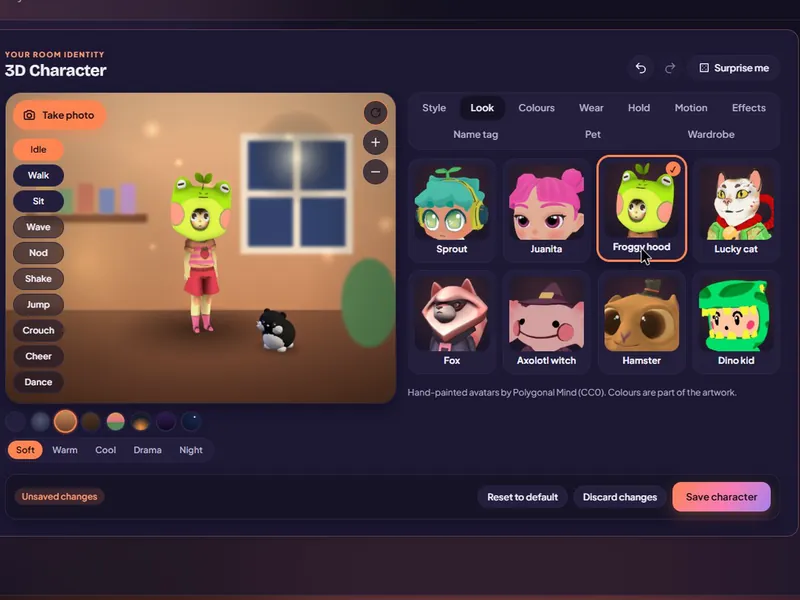
The 3D character picker with a frog-hood character and other looks

Track what you watch

Keep up with every show and film, and share your watchlist with friends.
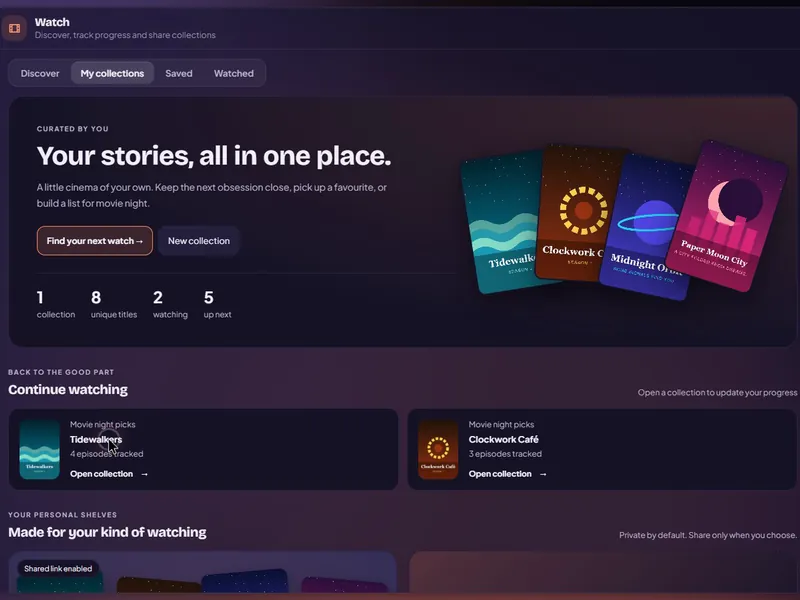
Watch collections with colourful posters

See who's around

Friends online, live rooms and what everyone's up to, the moment you open it.
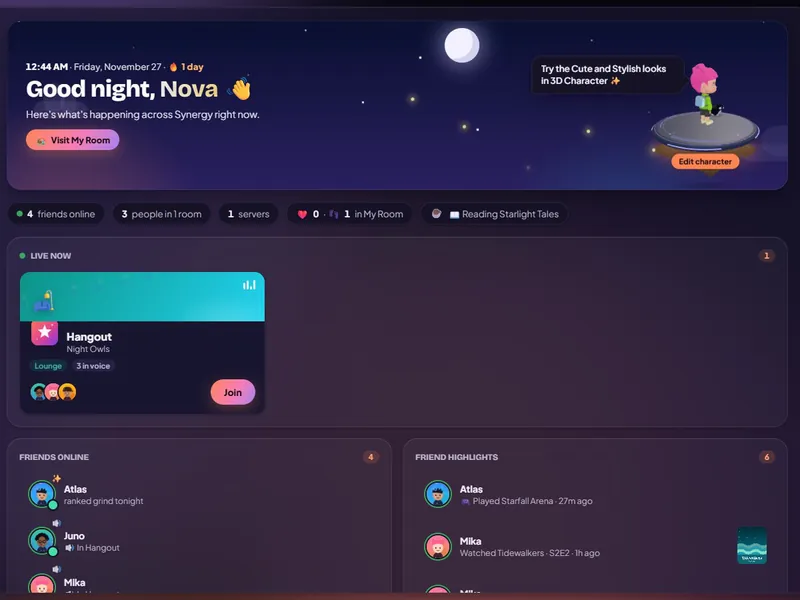
The home screen greeting with friends online and a live room

And so much more

All the little things that make it yours.

  • Soundboard
  • Chat wallpapers
  • Polls
  • Voice notes
  • Events
  • Ideas board
  • Animated avatars
  • Nameplates
  • Themes and colours
  • Notification sounds
  • Steam deals
  • Movie-night lists

Get Synergy

Free on all your screens.

Sign-up is invite-only for now, so ask a friend on Synergy for an invite code.

Windows

The full app, with 3D rooms.

Version 0.1.149

Download for Windows

If SmartScreen warns, click "More info", then "Run anyway".

Android

Calls, chat and more on your phone.

Version 0.1.149

Download APK

Allow "Install unknown apps" when your phone asks.

iPhone & iPad

The web app, right on your Home Screen.

Native app coming soon

No download needed. Takes about 30 seconds.

Windows updates itself automatically. Android shows a prompt in the app when a new version is ready.

Use Synergy on iPhone & iPad

The native iOS app isn't ready yet, but Synergy works great in Safari and can sit on your Home Screen like a real app.

  1. Open the address below in Safari (copy it, or type it in).
  2. Tap the Share button at the bottom of the screen (top on iPad).
  3. Scroll down and tap Add to Home Screen. If you don't see it, tap View More first.
  4. Tap Add. Synergy now appears on your Home Screen. Open it from there.

Works: chat, direct messages, friends, voice and video calls.

Notifications: after adding it to your Home Screen, open Synergy from there, go to Settings → Notifications and tap Enable notifications. Needs iOS 16.4 or newer.

Desktop only: 3D rooms and My Room. Use the Windows app for those.

Good to know: use Safari for step 1. Other browsers on iPhone may not show "Add to Home Screen". Updates arrive automatically, nothing to reinstall.